Verdant Retreat – Interior Visualization with D5 Render
Interior design visualization has evolved dramatically with the introduction of powerful real-time rendering tools. One of the most efficient tools currently transforming the field of architectural visualization is D5 Render. In this project, Verdant Retreat, D5 Render was used to create a calm and sophisticated interior environment that blends natural textures, warm lighting, and contemporary furniture into a cohesive design narrative.
This project demonstrates how D5 Render simplifies the workflow of interior designing while delivering highly realistic architectural visualizations.
The Concept Behind Verdant Retreat
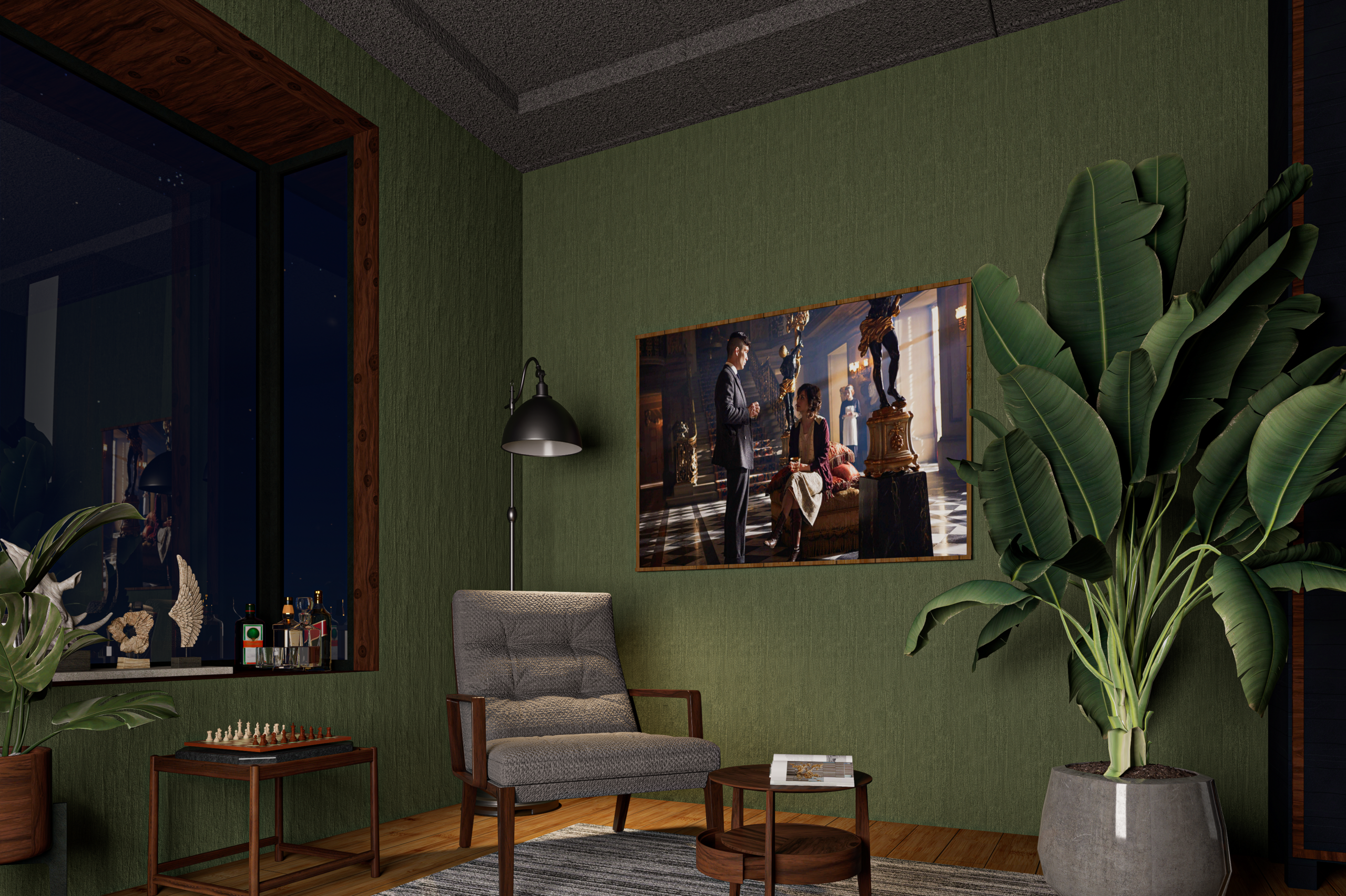
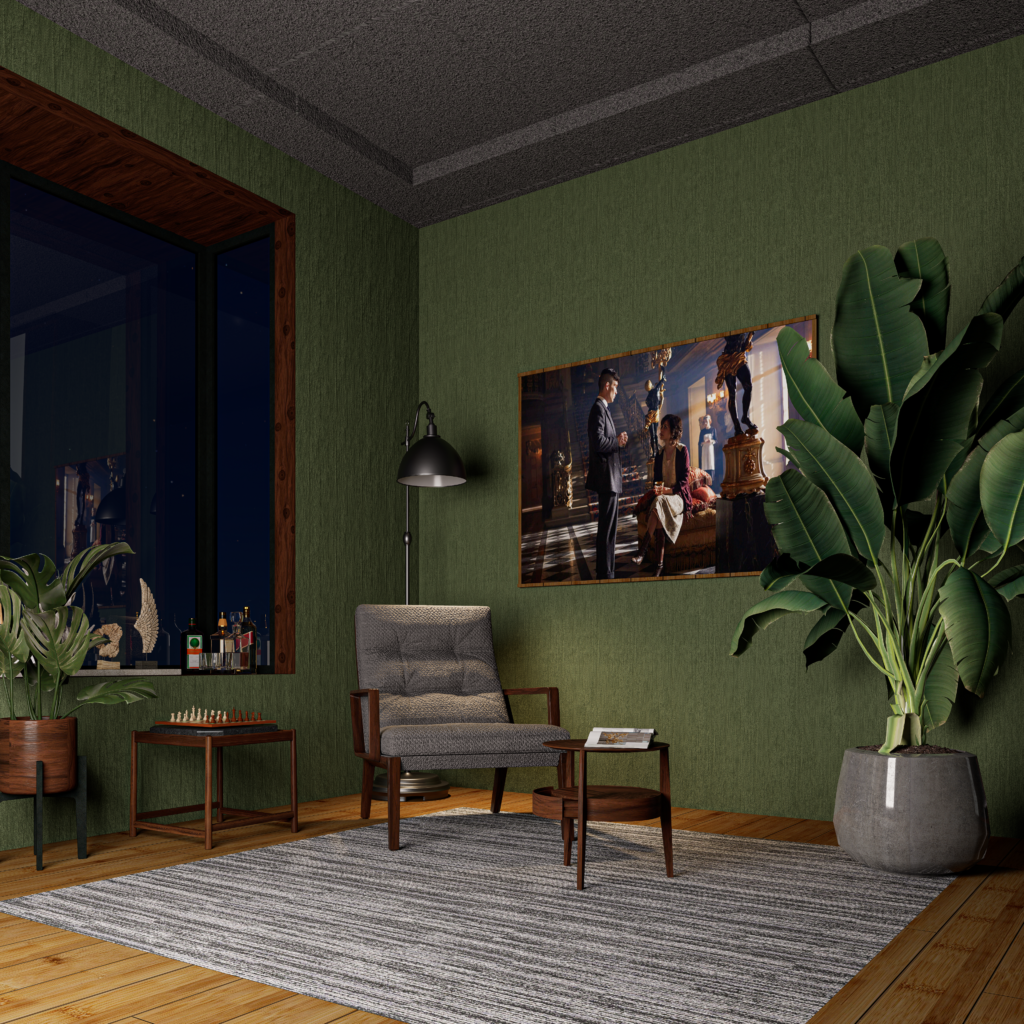
Verdant Retreat explores the idea of a peaceful indoor sanctuary. The design focuses on deep green textured walls, warm wooden finishes, and carefully selected decorative elements that create a relaxing environment. Indoor plants and soft ambient lighting reinforce the connection between interior space and nature.
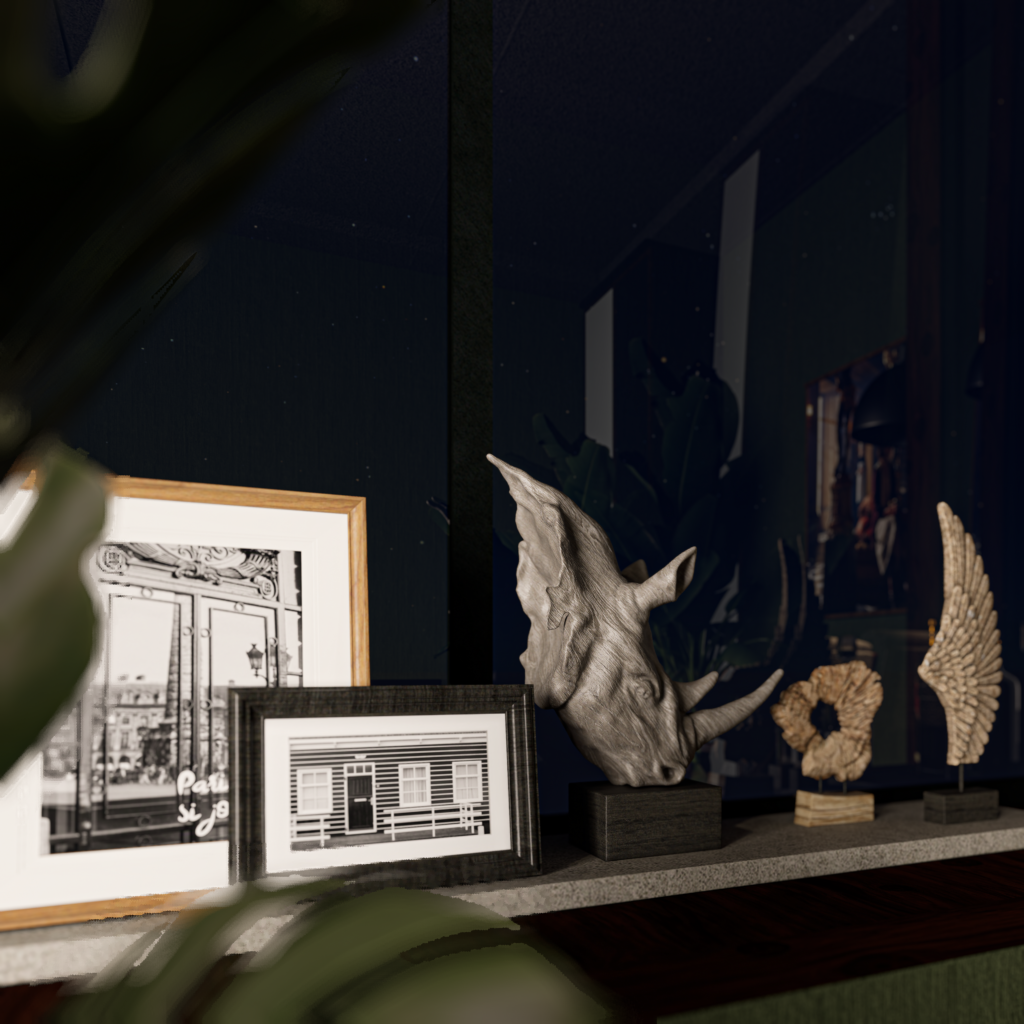
The scene captures a quiet corner lounge featuring comfortable seating, modern décor, subtle lighting, and reflective night-time views through the window. The goal of the visualization was to communicate atmosphere, comfort, and design intention clearly through architectural visualization and real-time rendering.
Why D5 Render is Powerful for Interior Designing
1. Real-Time Rendering Speeds Up Design Decisions
One of the biggest advantages of D5 Render is its real-time rendering capability. Interior designers and visualization artists can instantly see how lighting, materials, and furniture arrangements affect the space.
During the creation of Verdant Retreat, this feature allowed quick adjustments to:
- Lighting intensity and mood
- Material textures on walls and furniture
- Placement of decorative elements
- Camera composition and framing
Instead of waiting for long rendering times, the scene updates instantly, making the interior designing process faster and more efficient.
2. High-Quality Asset Library for Interior Visualization
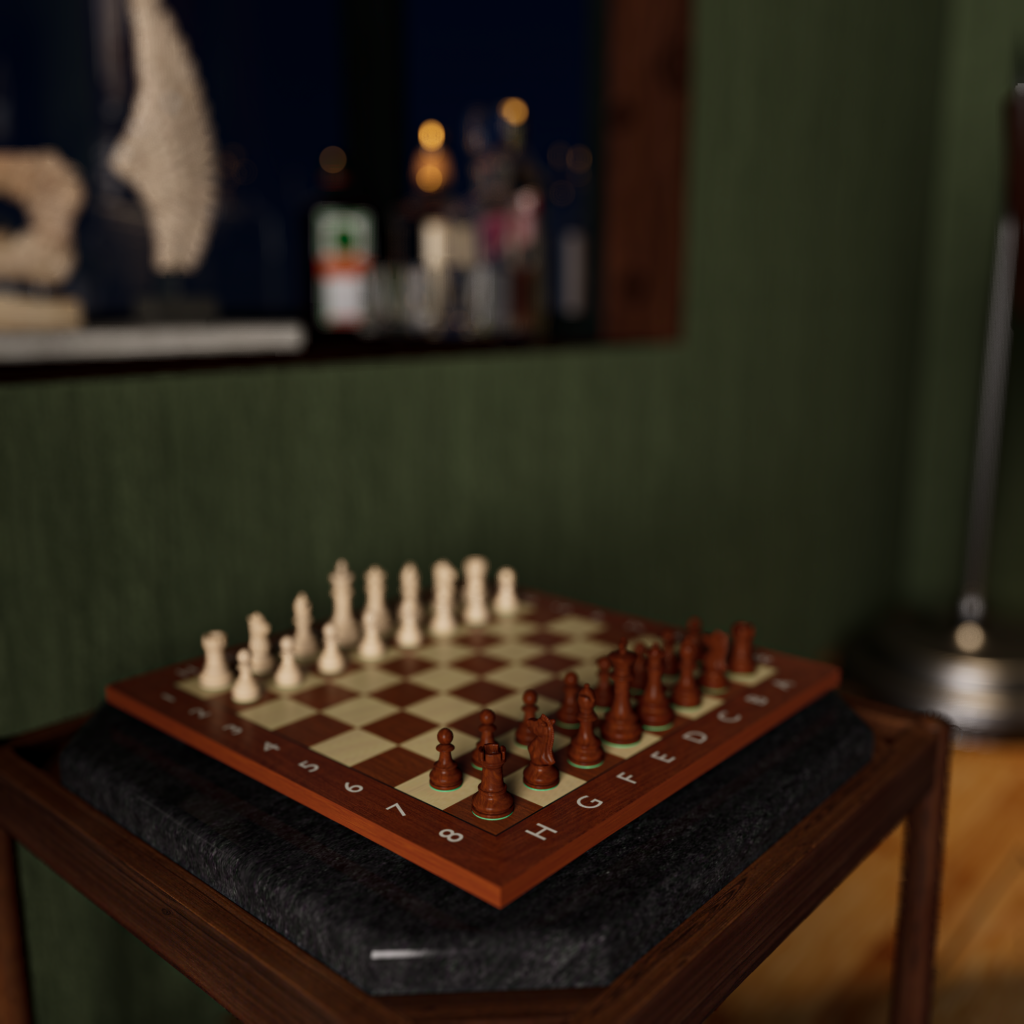
D5 Render includes a large asset library that makes building interior environments much easier. For Verdant Retreat, assets such as indoor plants, décor items, furniture pieces, and lighting fixtures were quickly integrated into the scene.
This allows designers to focus more on creativity and composition rather than spending excessive time sourcing external models.
The result is a rich and immersive architectural visualization that feels natural and detailed.
3. Realistic Lighting and Atmosphere
Lighting is critical in interior designing, and D5 Render provides advanced lighting controls that allow designers to create different moods with ease.
For Verdant Retreat, lighting was carefully adjusted to produce:
- Soft ambient interior lighting
- Warm accent illumination on decorative elements
- Realistic reflections on glass surfaces
- Natural shadows that enhance depth and realism
These features make D5 Render one of the most reliable tools for photorealistic interior architectural visualization.
4. Seamless Workflow for Architectural Visualization
D5 Render integrates smoothly with many modeling tools, allowing designers to maintain an efficient workflow. Models can be imported quickly, materials can be adjusted instantly, and design changes can be visualized in real time.
This workflow efficiency is one of the main reasons why D5 Render has become increasingly popular among architects, interior designers, and visualization artists.
Scene File and Tutorial
If you would like to explore this project further, the Verdant Retreat scene file is available on Gumroad. This allows you to study the materials, lighting setup, and composition used in the project.
You can download the scene file here:
Gumroad Link: https://wademacvisualstudio.gumroad.com/l/euezt
A step-by-step tutorial video explaining how the scene was created is also available on YouTube. In the tutorial, you will learn the workflow used in D5 Render, including lighting setup, asset placement, and final rendering techniques.
Watch the tutorial here: https://www.youtube.com/watch?v=et0NSMioogw