From Concept to Photorealism: How Archicad 29, D5 Render, and ChatGPT Are Transforming Architectural Visualization.
The world of architectural visualization is evolving rapidly. Architects and visualization artists are no longer limited to lengthy workflows involving multiple software packages and extensive post-production. Today, a streamlined pipeline using Archicad 29, D5 Render, and ChatGPT enables professionals to create high-quality visualizations faster, communicate ideas more effectively, and deliver polished presentations to clients.
This project demonstrates how these three tools complement one another from precise BIM modeling to real-time rendering and AI-assisted post-production creating an efficient workflow for modern architectural visualization.
Step 1: Modeling the Project with Archicad 29
Every successful visualization begins with a well-built model. Archicad 29 provides a comprehensive BIM environment where architects can accurately develop every aspect of a project.
For this residence, Archicad 29 was used to create:
- Accurate building geometry
- Detailed wall and roof assemblies
- Window and door placements
- Structural elements
- Exterior finishes
- Landscape layout
Because Archicad is BIM-based, every component contains valuable project information while maintaining design precision. This creates a clean foundation for high-quality architectural visualization
Step 2: Bringing the Design to Life with D5 Render
Once the model is complete, it is transferred directly into D5 Render using LiveSync.
This seamless connection allows every design update made inside Archicad to appear instantly inside D5 Render without restarting the workflow.
This dramatically increases productivity while maintaining model accuracy.
Real-Time Rendering Changes Everything
The greatest strength of D5 Render is its real-time rendering engine.
Instead of waiting several minutes—or even hours—for test renders, designers can instantly visualize:
- Lighting changes
- Material updates
- Camera positions
- Environmental settings
- Landscape improvements
- Reflection quality
This rapid feedback allows designers to focus on creativity rather than waiting for renders to finish.
Creating Photorealistic Exterior Visualizations
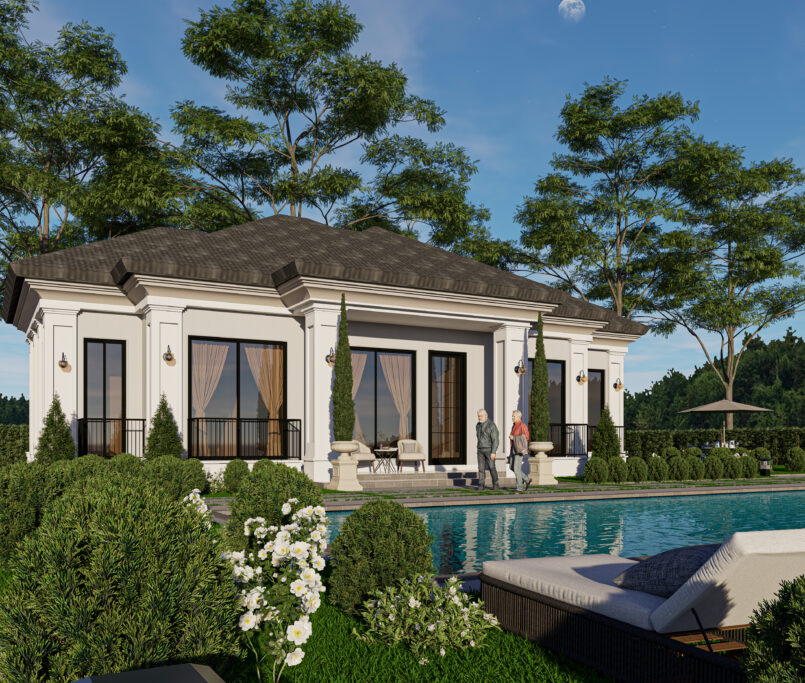
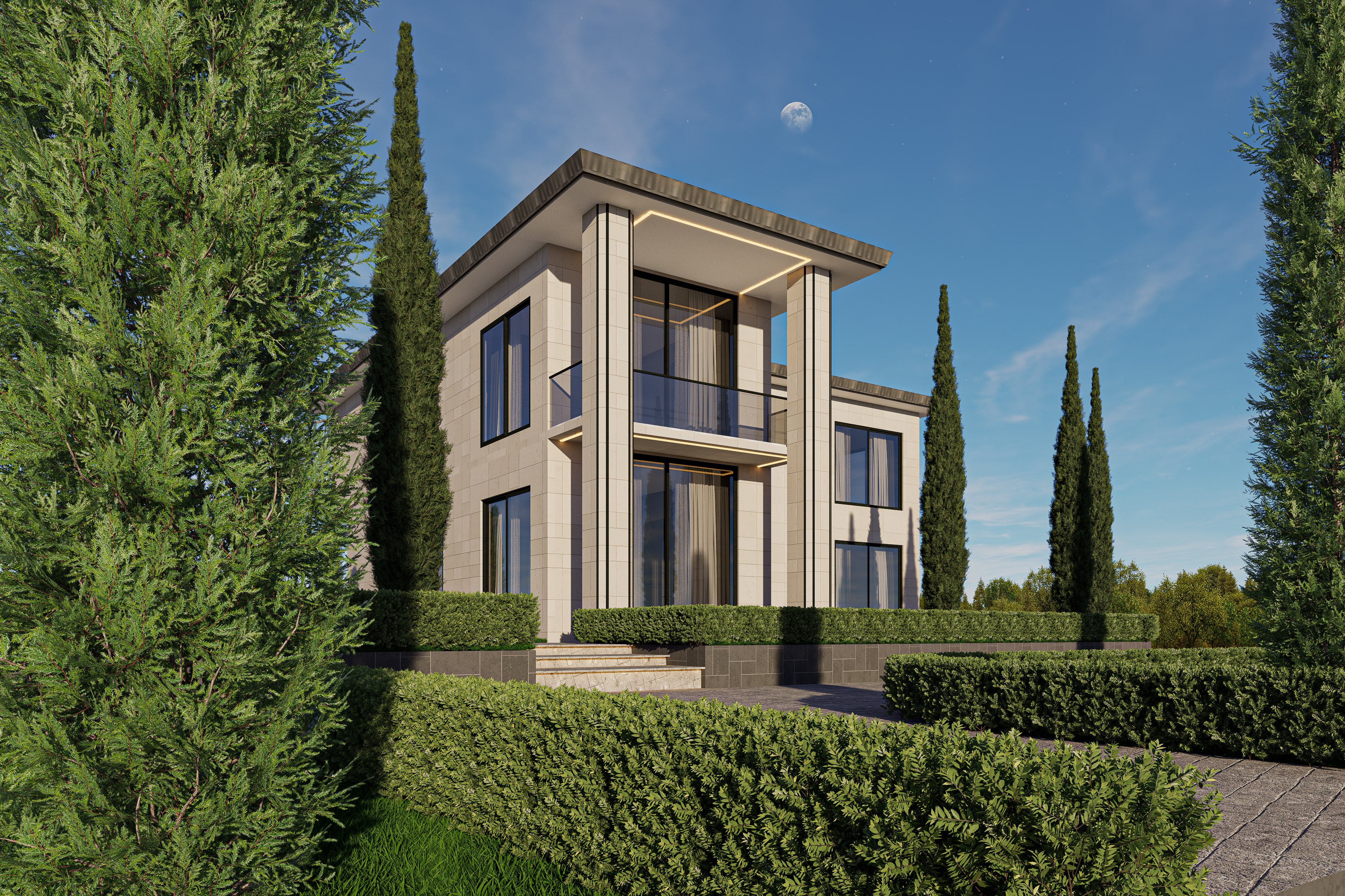
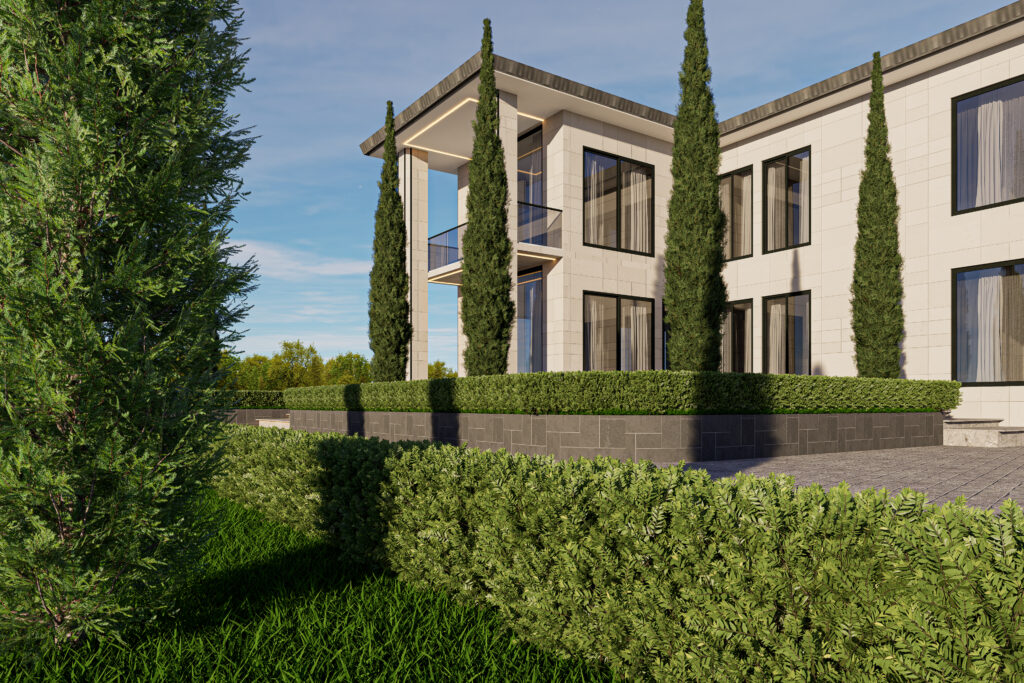
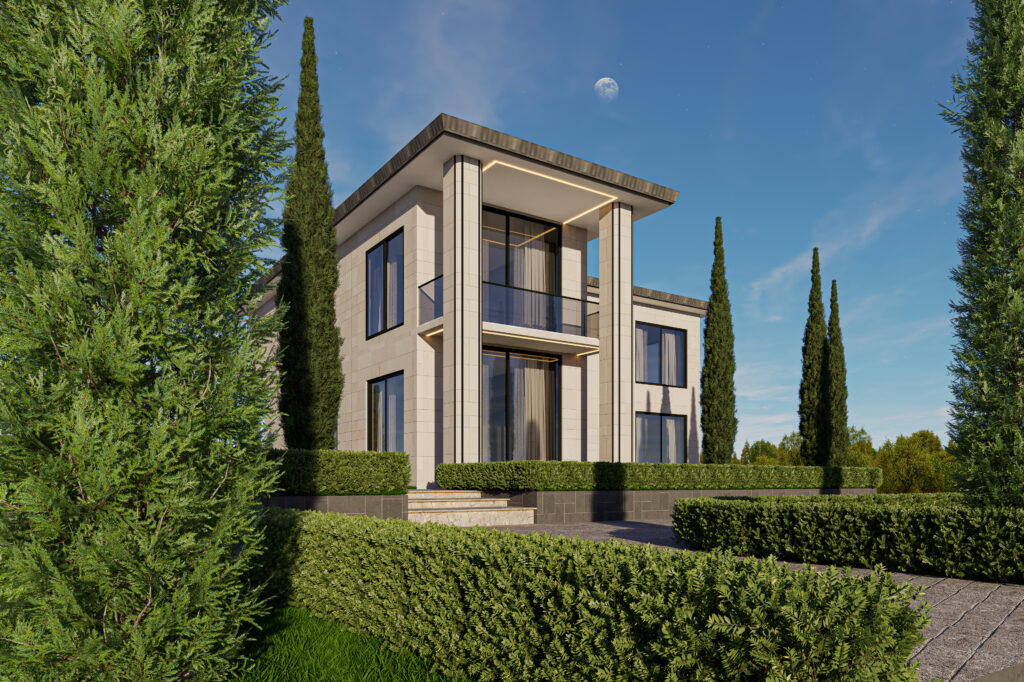
For this project, D5 Render was used to enhance:
- Natural daylight
- Soft global illumination
- Realistic glass reflections
- Stone façade materials
- Vegetation
- Landscape composition
- Exterior lighting details
Its extensive vegetation library made it easy to populate the scene with realistic hedges, trees, and landscape elements that complement the architecture.
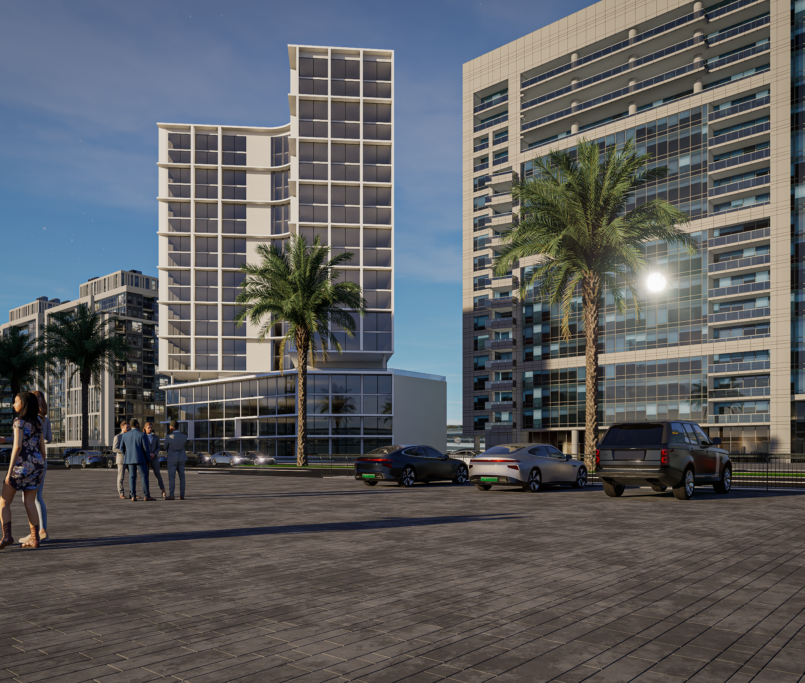
Combined with physically accurate lighting, the result is a highly realistic architectural visualization that effectively communicates the design.
Step 3: Using ChatGPT for AI-Powered Post-Production
Rendering is only part of the presentation process.
Modern visualization increasingly benefits from AI-assisted post-production, and ChatGPT has become an invaluable tool for improving both imagery and project presentation.
After rendering, ChatGPT can assist with:
Image Enhancement
Using AI image generation and editing capabilities, rendered images can be transformed by:
- Improving realism
- Enhancing textures
- Refining vegetation
- Adjusting atmosphere
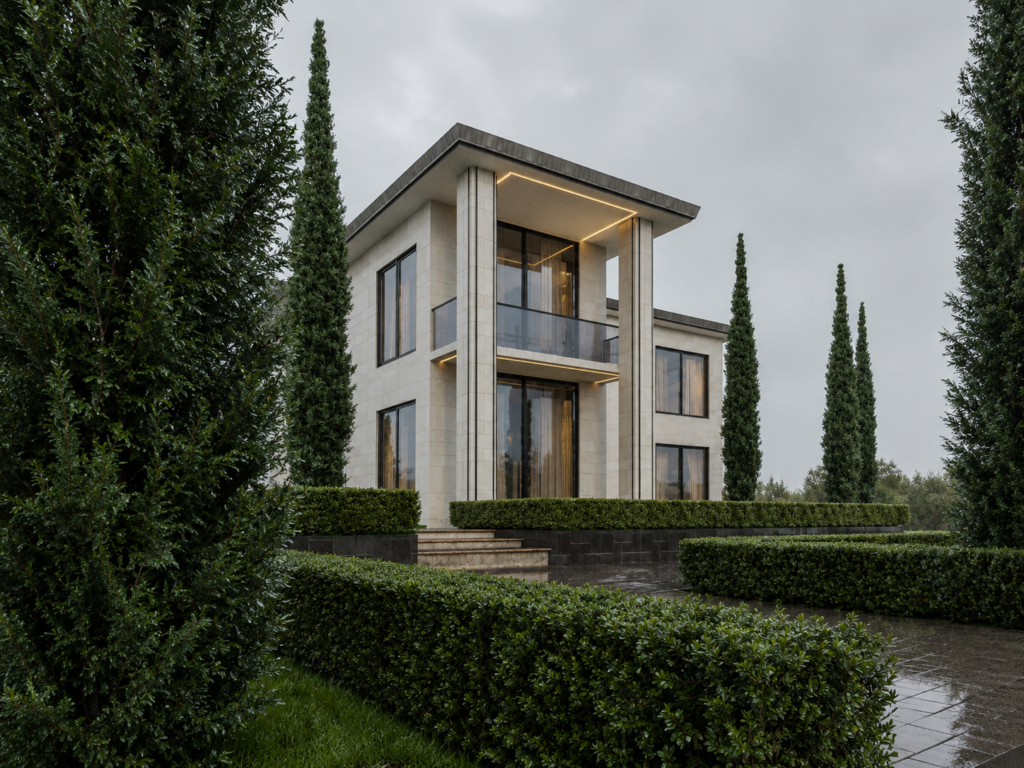
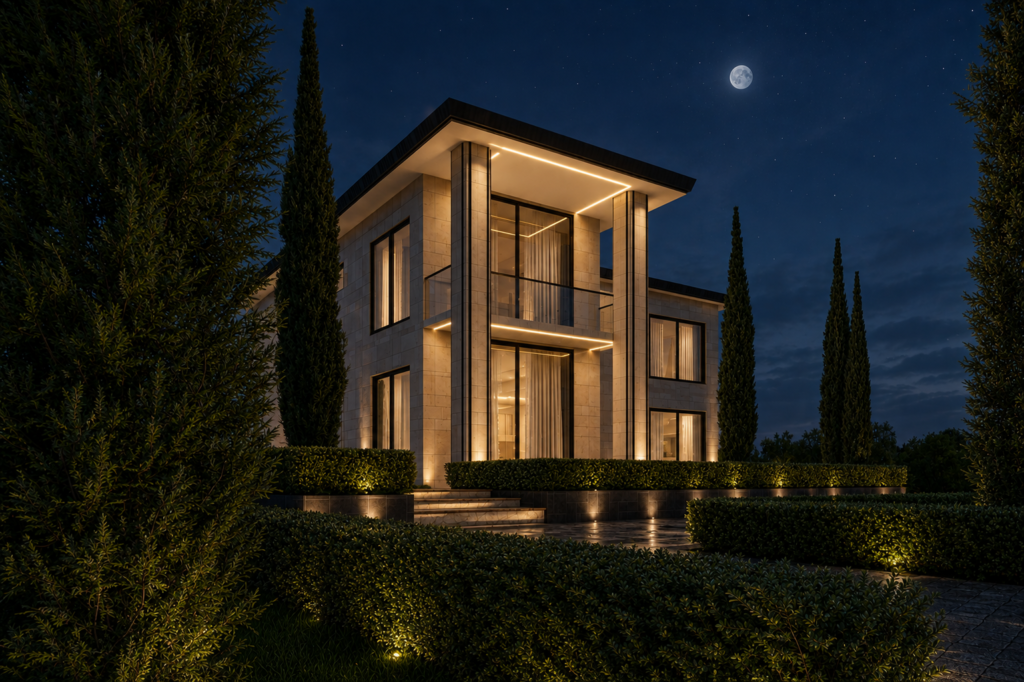
- Creating sunset, rainy, or night versions
- Increasing image quality while preserving the original architecture
This allows visualization artists to generate multiple presentation styles without remodeling the project.
Download the Scene & Watch the Tutorial
Want to recreate this project or study the complete workflow?
The full Archicad 29 model and D5 Render scene file are available on Gumroad, where you can explore the complete setup, including materials, lighting, landscaping, and camera composition.
📦 Gumroad Scene File:
A step-by-step YouTube tutorial is also available, covering the complete workflow—from modeling in Archicad 29, rendering in D5 Render, and using ChatGPT to enhance visuals and create presentation-ready content.
▶️ YouTube Tutorial: